 BicepHeart
Upload one photo Free
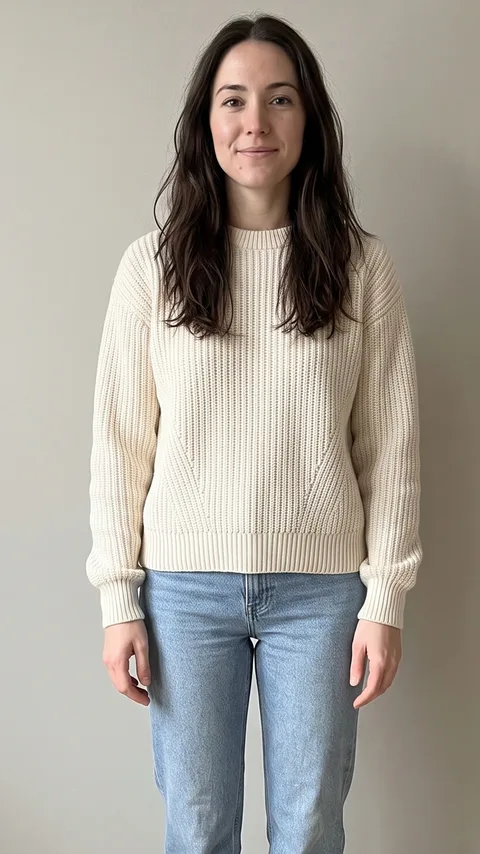
One adult, half body, facing the camera with both arms in view. Short sleeves and clear light help.
THE BICEP HEART TREND
Turn one photo into the bicep heart trend: a smile, a flex and a heart made with your arms. No filming and no prompt to write. Make a playful video that looks like you.
Step 1 · free preview
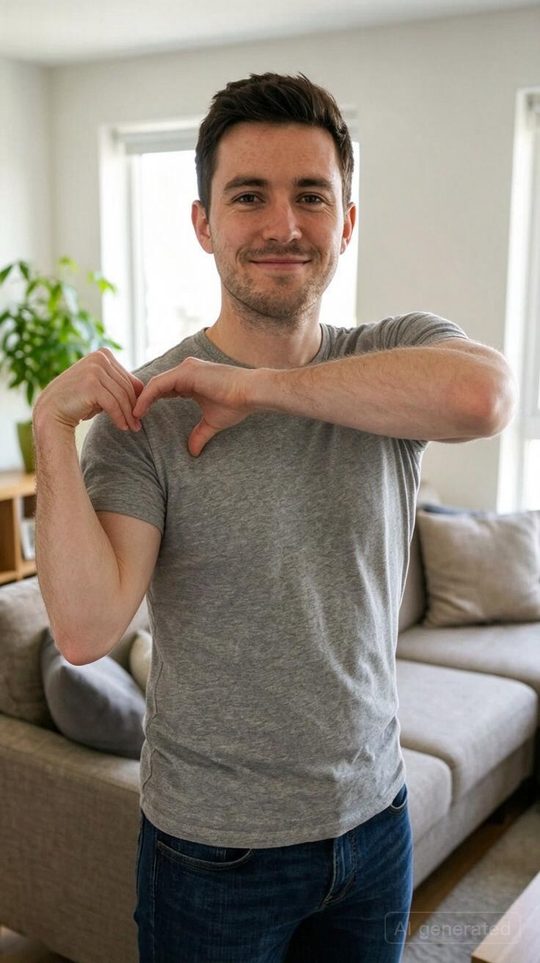
Your free preview is one still like this (a real example). Make the full video only if you like it.
No sign-up · one free preview per browser
One adult, waist up, both arms visible. JPG, PNG or WebP, up to 10 MB.
Private by default. Delete your files early, anytime. Privacy ↗
01 / PHOTO IN. HEART OUT.
See a free still of your photo first, then pay for the full video only if you like it. Not happy? You pay nothing.
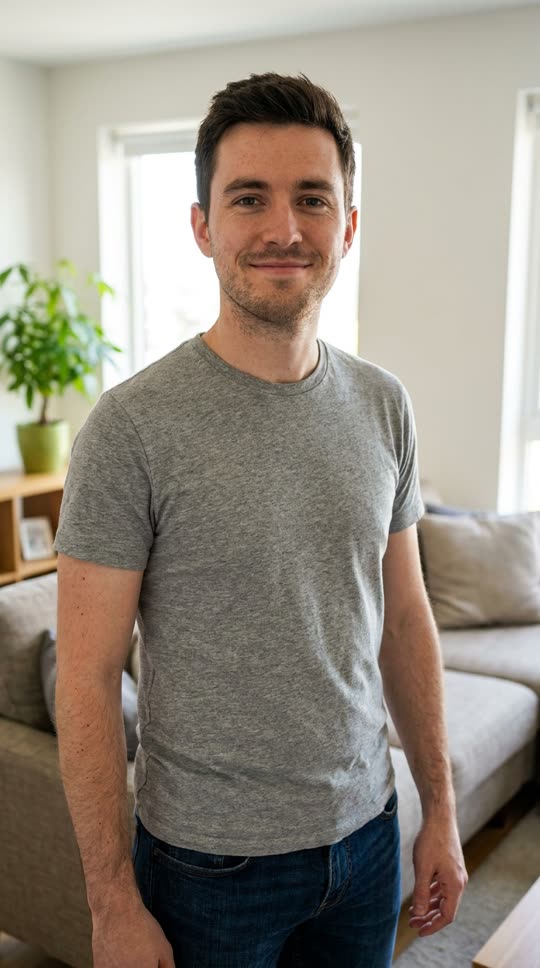
One adult, half body, facing the camera with both arms in view. Short sleeves and clear light help.
In about 1–2 minutes the AI draws you in the heart pose. No sign-up. Only continue if you like it.
Sign in and use one credit for an MP4 of the smile, flex and heart. Failed videos return the credit.
02 / See the heart in motion
See the smile, the flex and the moment the hands meet. Press play to explore the bicep heart effect before you make your own.
Our own BicepHeart result, made from the photo shown. A small gesture, a familiar face.
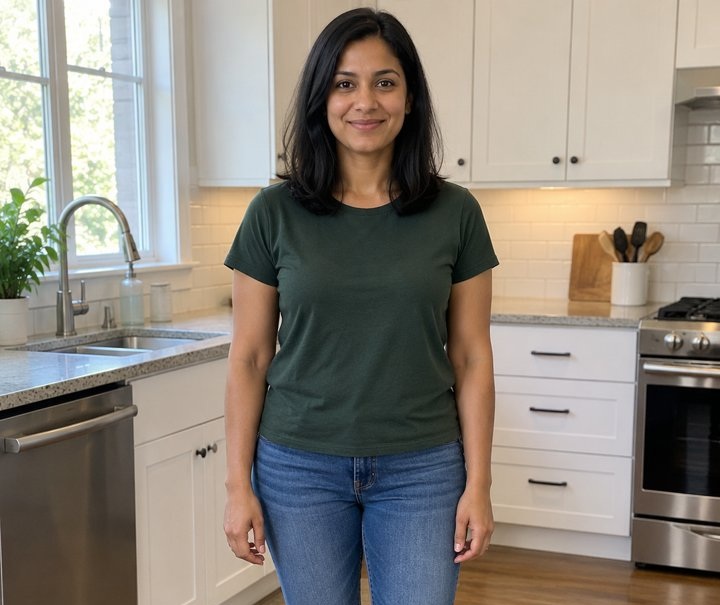
A bright smile and a heart that says more than a plain selfie.
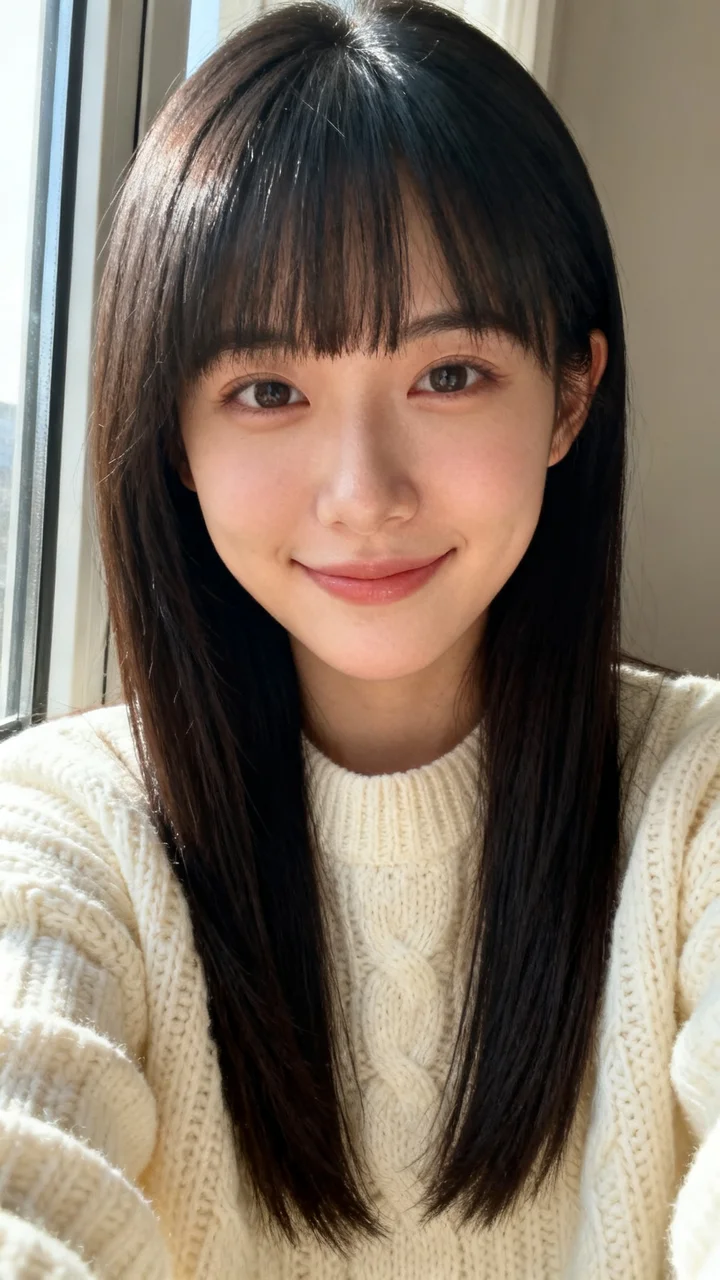
An everyday portrait becomes the playful bicep heart pose.
Keep the mood casual. Let the little flex do the talking.
The first clip was generated with BicepHeart. The other clips are authorized effect references, not customer testimonials. AI results vary in hands, likeness and setting.
03 / The pose, frame by frame
The bicep heart turns a flex into a love note. Raise one arm, bend the elbow and curve your other hand toward it to make a heart. With Bicep Heart AI, you start with a photo instead of filming the movement.
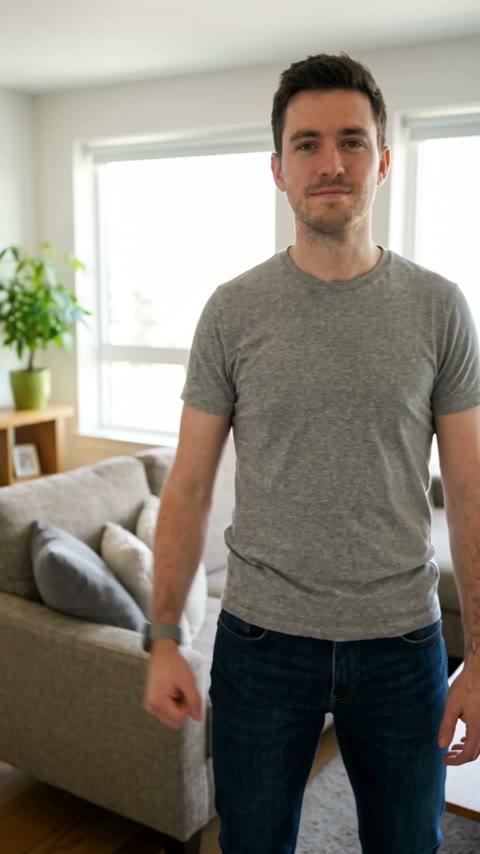
One person, relaxed shoulders and room for the arms.
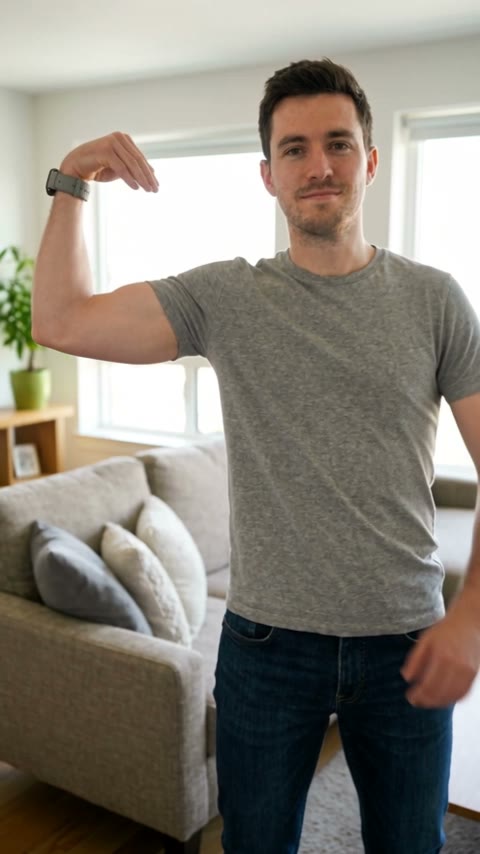
The arm comes up and the elbow bends.
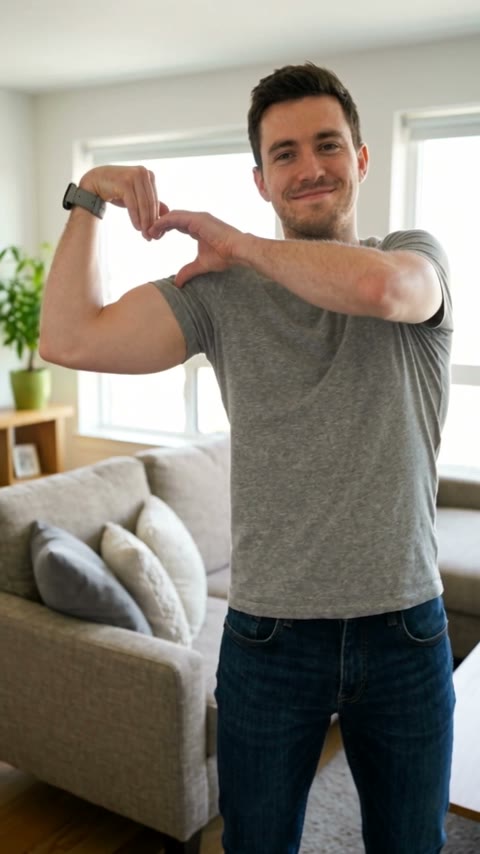
The opposite hand moves toward the bicep.
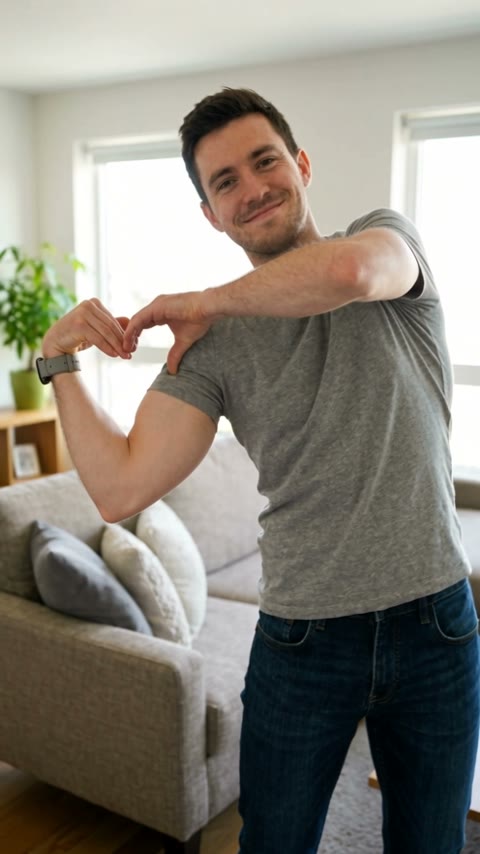
A playful heart shape, ready for your little moment.
04 / A GOOD PHOTO GOES A LONG WAY
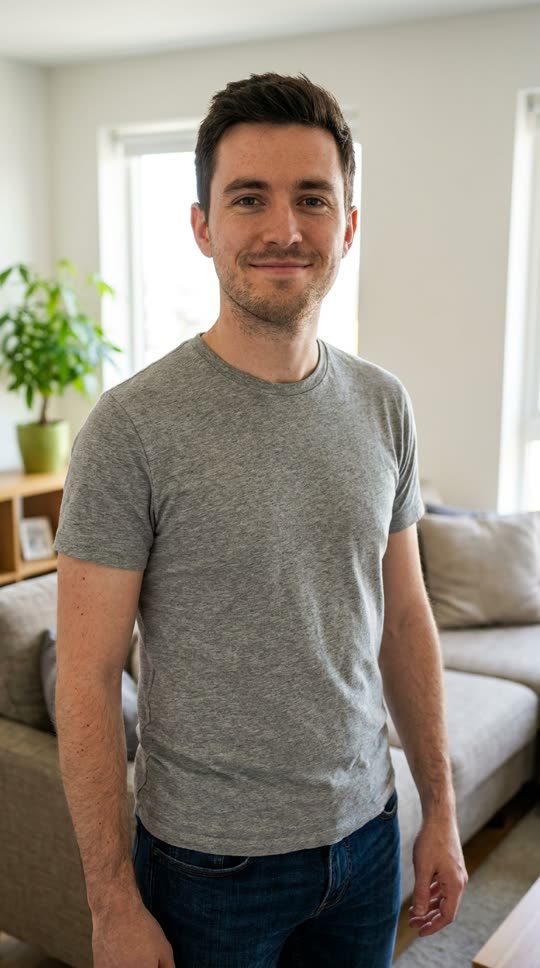
Choose a single adult, facing the camera, with space around the shoulders and hands. A sharp waist up photo is best.
AI has its little quirks. Hands, likeness and the room can shift. The preview shows the intended gesture, not a promise of an identical result.
05 / For the way you share
You do not need big arms, a studio or a camera setup. A clear everyday photo is enough to start.
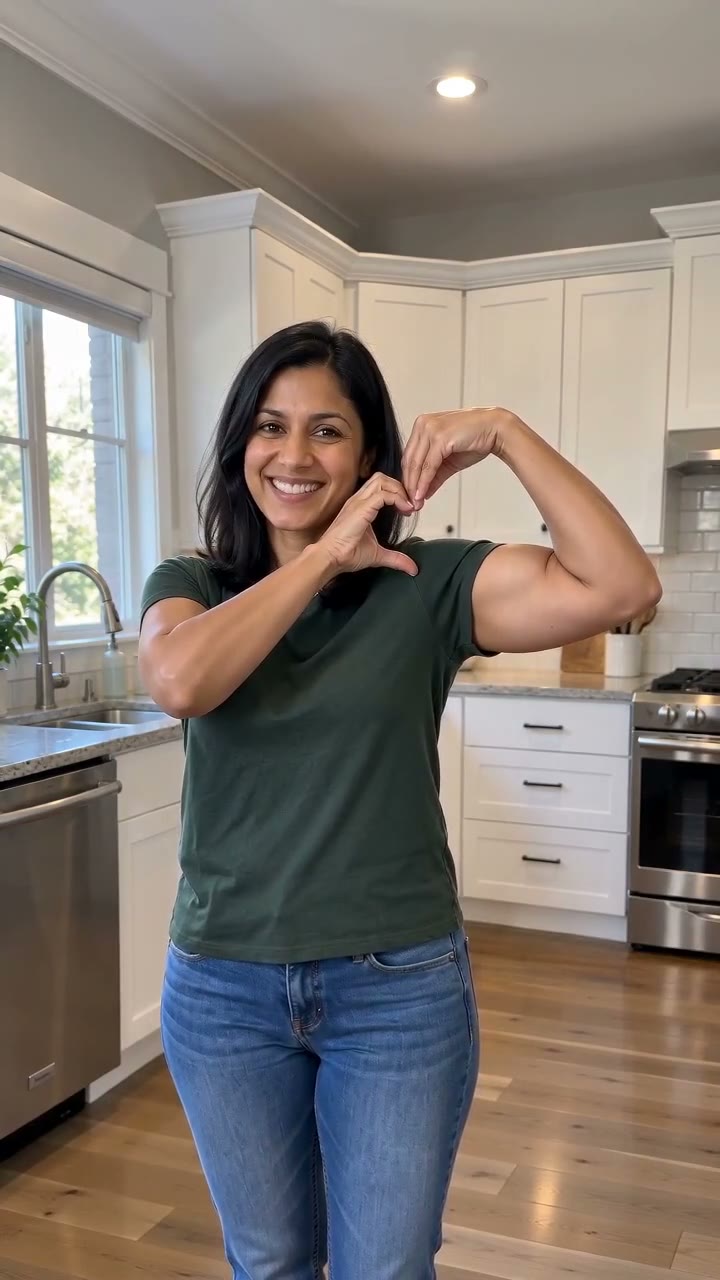
Join the bicep heart trend without filming yourself. Download the silent MP4 and add a sound from the app where you post.
Send a playful clip to your partner or a friend. Use your own photo, or a consenting adult who agreed to the AI animation.
Turn an ordinary portrait or gym photo into a lighthearted arm heart. The gesture works across different outfits and builds.
Keep the AI label when you share. Add music using the platform’s licensed library.
06 / A LITTLE LOVE, ONCE
One payment. No subscription. Every credit makes one video.
Just for you
$9.90
$9.90 per video
Try a few looks
$19.90
$6.63 per video
Purchases will be available here soon. You can explore the examples and photo tips now.
Unused purchases can be refunded within 14 days. Partly used packs are refunded in proportion to remaining videos. Refund policy ↗
07 / A FEW THINGS TO KNOW
It is a playful pose: flex one arm and curve the other hand against the bicep so the hand and arm form a heart. Our AI animates that movement from one photo.
We use NanoAPI Genjutsu 1.0, which NanoAPI describes as fine-tuned from Seedance 2.5 for motion transfer. Your photo supplies the person and an authorized movement reference supplies the action. You do not need to write a prompt.
Use a clear photo of one consenting adult, waist up with both arms and hands visible. Avoid groups, cropped arms, celebrities, minors and heavy filters.
No. The heart comes from the curve of the hand against the arm. We ask the model to preserve your body proportions rather than add muscle.
A short, silent MP4 with no added watermark. Length varies with the generated result; the reference clip does not guarantee a fixed duration. A portrait photo works best for social posts. Add a sound in the app where you post.
It usually takes a few minutes, and can take longer when the provider is busy. You can leave the page and return to My videos. Do not resubmit a video that is still processing.
Each browser gets one free still preview, no sign-up needed. The full video needs a purchased credit: $9.90 for one or $19.90 for three. No subscription and no automatic renewal.
After you upload a photo and confirm consent, the AI makes one still image of you in the heart pose (with an AI watermark), usually in 1–2 minutes. It helps you judge your photo before paying. The full video is generated separately, so movement and details can differ from the preview. A failed preview does not use your free try.
A confirmed failed generation returns the original credit with its original expiry. A result still processing is checked instead of automatically submitted again. If a completed result is clearly broken, contact support.
Our own copies are private: uploads stay for up to 7 days and results up to 60 days, with early deletion. NanoAPI processes video generation and APIMart checks input photos. NanoAPI currently retains an unlisted result link without an expiry or deletion endpoint; deleting our copy does not delete its copy. See the privacy policy for details.
Yes, if the adult in the photo agreed to this AI animation. Use one person per photo and keep both arms visible. This tool does not make group or pet videos.
Download your MP4 from My videos. Upload it as a TikTok, Reel or Short, add music from that platform if you want, and disclose that the video is AI generated. Your export is silent so you can choose the sound yourself.
No. Upload one clear photo. The movement is already set, so there is no reference clip to record and no prompt box to fill. You only need a photo you have permission to use.
No. BicepHeart is an independent AI tool. The trend name describes the gesture; it does not imply endorsement by a platform or creator.
Understand the trend, learn the movement and find a soundtrack for your video.
Your photo has a heart to give.
Make my free heart previewNo sign-up · one free preview per browser